
TL;DR
Clients want a personal trainer app that opens straight to today's workout, makes logging a set take seconds, shows how each exercise should look, gets them real feedback from their coach and reminds them at the right moments, without charging them for it. When you choose software, test it from the client's side first, because the client app is the part of your coaching they open every day.
Coaches usually compare software by what it does for them: the program builder, the dashboard, the payments. That makes sense, but it misses half the picture. Your clients spend more time in their side of the app than you spend in yours, and for them the app is where your coaching lives between messages.
This guide looks at a personal trainer app from the client's point of view. It is based on the questions clients ask, the moments where they get stuck and the reasons they stop opening an app. Use it as a checklist when you choose software, whichever one you end up with.
Why the personal trainer app is part of your service
A client cannot see how good your programming logic is. They can see whether they found today's workout in two seconds or two minutes. If the app is confusing, clients quietly assume the coaching is confusing too. If it is simple, it makes you look organised before you have said a word.
1. One place to open today's workout
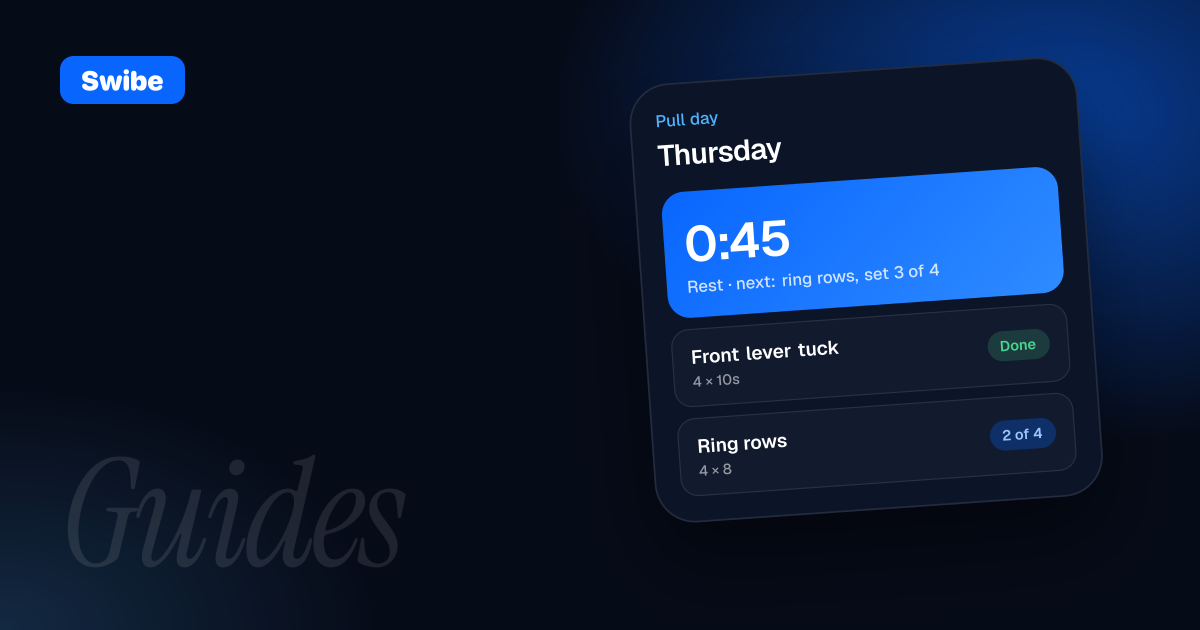
The most common client frustration is not knowing what to do today. The plan is in a PDF, the changes are in a chat message, and last week's adjustment is in a voice note. Clients want to open one app and see today's session, with what is coming next and what they already did.
This also means changes have to reach them without extra steps. If you move Thursday's session to Friday, the client should simply see it on Friday. In Swibe, the client's home screen shows the session planned for today, and when you move a workout on their calendar, the client sees the change instantly.
2. Logging that takes seconds
Clients will log their training if it is easier than not logging it. That means entering a set during the workout, between sets, with as few taps as possible. Long forms after the session get skipped. Good logging also handles more than reps and weight: timed holds, distance and bodyweight progressions should feel normal.
Real life matters here too. Sometimes clients train without signal, or forget to open the app. They should still be able to log the session afterwards. In Swibe, a workout player walks clients through each block with a rest timer and logs every set as they go, and they can log afterwards if they trained offline.
3. Video demos and clear notes for every exercise
In the middle of a workout, clients forget the cue you gave them two weeks ago. A short demo video and one or two notes per exercise answer the question before it turns into a message. Long paragraphs do not get read between sets.
This is especially true for skill work, where the difference between a progression that builds strength and one that builds bad habits is in the details. Make sure the app lets you add your own exercises with your own demo videos, so clients see how you want it done, not a generic version.
4. Feedback that feels personal
Clients do not pay for an app. They pay to know that someone is watching their progress. The moments that make coaching feel personal are small: a reply that mentions their exact numbers, a voice note about their form, a quick "nice, that hold is five seconds longer than last week".
For that to happen, the client's training and their chat with you need to be connected. In Swibe, clients can film short clips during their sets, and when a workout is finished, a card with the numbers and clips lands in your chat. You reply in the same thread with text, video or a voice note, so the feedback sits right next to what it is about.
5. Reminders that help, not nag
Clients want to be reminded about the things they would otherwise forget: a message from their coach, the weekly check-in, a payment that is due. They do not want a stream of notifications that trains them to ignore the app.
The best reminders are tied to something real. In Swibe, weekly check-ins go out on the schedule you set, chat messages arrive as push notifications, and late payments get automatic reminders, so you are not the one sending them.
6. No paywall for the client
A client who already pays you for coaching should not have to pay again for the app. A second bill feels like a hidden cost, and an app-store purchase or subscription is a reason to put off joining. Every bit of friction at the start lowers the number of clients who actually show up.
Check this before anything else. With Swibe, the client app is free on iPhone, Android and the web, always. Clients join through a personal invite link from you, which takes about 30 seconds.
7. It works on the phone they have, in their language
Your clients use a mix of iPhones and Android phones, and some prefer a laptop for reading longer feedback. The app should work on all of them. If you coach internationally, it also matters that each client sees the app in their own language.
Some clients want more. On iPhone, Swibe clients can choose which Apple Health data to share with their coach and train with the Apple Watch app. That is a bonus for the clients who want it, not a requirement for the ones who do not.
8. A reason to open the app between workouts
Most of a client's week happens outside training. Small daily touchpoints keep them connected without taking much time:
- A few daily habits, like mobility or sleep, with streaks that make consistency visible
- A quick daily check-in on mood, sleep and energy
- Progress history per exercise, so they can see how far they have come
Keep it light. Two or three habits that matter beat a long list that feels like homework.
What clients do not want
- Long sign-up forms, or searching an app store and typing in a code to find their coach
- Separate apps for the program, the chat and the payments
- Opening the app to an empty screen because nothing was set up yet
- Asking which week of the program they are on
- Being asked the same questions in chat that they already answered in a check-in
- Paying for an app on top of their coaching
How to test a personal trainer app from the client's side
- Invite yourself, or a friend, as a client using the same flow a real client would get
- Join on a phone and time how long it takes to see the first workout
- Follow a full workout at the gym, logging every set and filming one clip
- Answer a check-in on your phone and see how it looks on the coach side
- Go through a payment the way a client would and note anything confusing
- Ask one real client to try it for a week and tell you honestly what annoyed them
Swibe is free for your first 3 clients with every feature included, which is enough to run this test with real people before you commit. Whatever app you choose, pick the one your clients will open without being asked. That is the one that makes your coaching better.
FAQ
What should a personal trainer app do for clients?
Show today's workout in one tap, make logging sets fast, include demo videos and notes for each exercise, connect training with chat so the coach can give feedback, and send useful reminders without spamming.
Should clients pay for their personal trainer's app?
Ideally not. Clients already pay for coaching, and an extra app fee adds friction at the moment they join. The Swibe client app is free on iPhone, Android and the web.
How do I get clients to actually use the app?
Send each client a personal invite link, have their program ready before they join, and reply to their training inside the app. When feedback and workouts live in the app, clients open it without being reminded.
Which features matter most to clients in a personal trainer app?
Seeing today's workout instantly, quick logging, exercise demo videos, personal feedback on form and a free app on the phone they already have. Extras like habits and Apple Watch support help, but only after the basics are easy.