
TL;DR
A coaching app is software that lets a coach deliver training programs, chat with clients, collect check-ins, track progress and take payments in one place, with a client app on the other side. For fitness coaches, a good online coaching app replaces the mix of chat apps, spreadsheets, PDFs and bank transfers most coaches start with, and it starts paying off as soon as that mix costs you more time than the coaching itself.
"Coaching app" can mean a lot of things. Life coaches, business coaches and language tutors all use the term. This guide is about one kind: the fitness coaching app, a tool for coaches who train clients remotely or in a hybrid way, where part of the coaching happens in person and the rest happens on the client's phone.
If you are a personal trainer, a calisthenics coach or a strength coach wondering whether you need one, this is the plain-English version. No jargon, no feature list for its own sake. Just what these apps do, what they replace, and how to tell whether it is time.
What a coaching app actually does
Every coaching app has two sides. The coach side is where you do the work: build programs, put them on a schedule, read what clients logged, reply and get paid. The client side is an app your clients install, where they see what to do and tell you how it went.
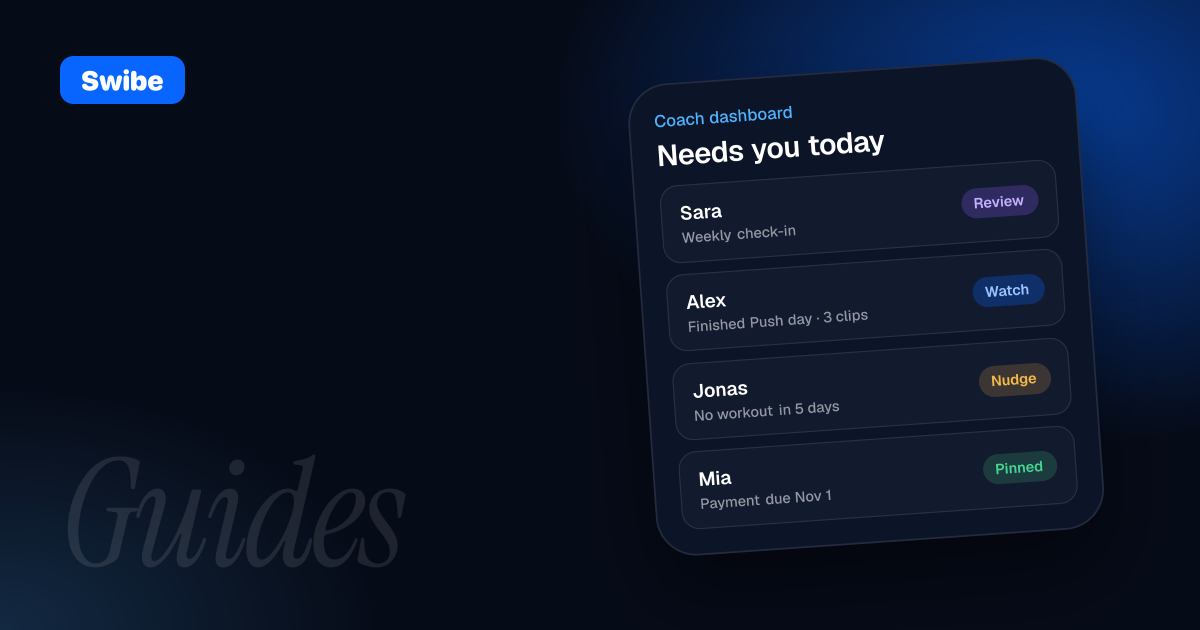
- Coach side: program builder, client calendars, chat, check-in review, progress data, payments and an overview of who needs attention
- Client side: today's workout, a way to log sets, exercise demos, chat with the coach, check-in forms and a way to pay
The value is in the connection between the two. When a client finishes a workout, you see it. When you move a session to Thursday, they see it. Nothing has to be re-sent, screenshotted or explained twice.
The jobs a coaching app replaces
Most coaches do not start with software. They start with whatever is on their phone. A coaching app earns its place by replacing that patchwork, piece by piece.
Programs and plans
Before an app, programs usually live in PDFs, shared spreadsheets or screenshots. That works until you change something. Then the client has two versions, follows the wrong one, or asks which week they are on. In a coaching app the program sits on a calendar per client, so there is only ever one current version and the client opens it on the day.
Chat
Coaching chat often happens in general messaging apps, between family groups and work threads. Feedback gets buried and you scroll for minutes to find what you said about someone's knee three weeks ago. A coaching app gives each client one thread that sits next to their plan and their history.
Check-ins
Without a tool, check-ins mean sending the same message to every client every week, then reading answers spread across chats. A coaching app can send the check-in for you on a schedule and collect the answers in one place.
Progress and form feedback
Logged sets, personal bests and video clips of technique are the raw material of good coaching. Scattered across camera rolls and notes apps, they are hard to compare. In one app, you can look at this month's handstand next to last month's.
Payments
Bank transfers and payment links sent by hand mean keeping a list of who paid, who is late and when each renewal is due. A coaching app with built-in payments handles recurring charges and reminders, so the awkward "just checking about this month" message mostly disappears.
What to look for in an online coaching app
Feature lists all look similar on paper. These are the questions that separate a tool you will use for years from one you abandon after a month:
- Is the client app free for clients? If clients have to pay for the app on top of your coaching, some will not join
- Does the program builder fit how you actually program? Supersets, circuits, timed holds, progressions and custom exercises should be normal, not workarounds
- Is there a calendar per client, so you can schedule a program and adjust single days?
- Does chat handle photos, video and voice notes, and does it keep the context of training and payments next to it?
- Can check-ins be scheduled so they arrive on their own?
- Can clients send form-check videos in a way that links them to the right exercise?
- Are payments built in, with the fees shown clearly before you charge anyone?
- Does it work on your phone and on a laptop, and on the phones your clients actually have?
- Can you bring your existing programs and chat history, or do you start from zero?
- Does the price scale with the number of clients, with a free tier or trial long enough to test with real people?
Weight these by your own coaching. A calisthenics coach needs holds and skill progressions to feel natural. A coach with clients in several countries needs the client app in more than one language. A coach who already has a hundred programs in PDFs needs a way to import them.
When does a fitness coach actually need a coaching app?
There is no magic number of clients. The signs are usually practical:
- You spend more time on admin than on writing programs and giving feedback
- Clients regularly ask which workout they should do today
- You have lost track of a payment, a renewal or a check-in at least once this month
- Form-check videos arrive in random chats and you cannot find them later
- You avoid taking new clients because the system will not stretch further
- You want your coaching to look as professional as the results you get
If two or three of these sound familiar, a coaching app will probably give you time back quickly.
When you probably do not need one yet
If you coach one or two people in person and see them every week, a notebook and a messaging app can be enough. The tool should solve a problem you have, not create a new routine you have to maintain.
That said, there is a case for starting early. Moving five clients onto a new system is easier than moving thirty, and a client who starts in a proper app never gets used to scrolling for their program in the first place. If a coaching app is free for your first few clients, setting it up early costs you an afternoon, not money.
How to pick a coaching app: a simple test
- Write down what a normal coaching week looks like for you, from programming to payments
- Mark the three jobs that take the most time or cause the most mistakes
- Shortlist apps that clearly solve those three, and ignore features you will never use
- Install the client app on your own phone and join as a client, so you see what your clients will see
- Run a real week with one or two real clients, not demo data
- Work out the monthly price at your current roster and at the roster you are aiming for
- Check what happens to your clients and data if you change plans or stop paying
Step four is the one most coaches skip, and it matters most. Your clients will judge your coaching partly by how easy the app is. If you find it confusing to open today's workout, they will too.
Where Swibe fits
Swibe is a coaching app built for calisthenics and fitness coaches. You build workouts and multi-week programs with supersets, circuits and timed holds, schedule them on a calendar per client, chat in one thread per client with photos, video and voice notes, schedule weekly check-ins, get form-check clips when a workout is finished and take payments through Stripe. AI client overviews summarise each client's recent check-ins, workouts and notes, and only you see them.
Clients use a free app on iPhone, Android and the web. Coaches are free for their first 3 clients with every feature included and no time limit, and paid plans scale only by the number of clients you coach. If you are coming from WhatsApp and PDFs, you can import chat history and turn a PDF or a photo of a program into an editable program.
Whatever you choose, pick the tool that makes the boring parts of coaching disappear, so the part your clients pay for gets more of your attention.
FAQ
What is a coaching app?
A coaching app is software that connects a coach and their clients. The coach builds programs, chats, reviews check-ins and takes payments, and clients use their own app to see their workouts, log training and talk to the coach.
What is the difference between a coaching app and a workout app?
A workout app is for one person following a plan on their own. A coaching app has a coach on the other side who writes the plan, sees what the client logged and gives feedback.
Do clients have to pay for a coaching app?
It depends on the app. With Swibe, the client app is free on iPhone, Android and the web. Coaches pay only for client seats beyond their free 3.
How much does an online coaching app cost?
Many coaching apps charge by the number of clients you coach. Swibe is free for up to 3 clients with every feature, and paid plans start at €14.99 a month for up to 10 clients.
When should a fitness coach start using a coaching app?
When admin starts taking more time than coaching, or when programs, chats, check-ins and payments live in too many places to keep track of. Starting early is easier than moving a large roster later.